Start a project with /init and AGENTS.md
Give Bob persistent project context across conversations and modes with /init, which automatically generates AGENTS.md files.
The /init command scans a project and generates a structured summary file called AGENTS.md that Bob uses as persistent context in every conversation. The /init command is how you give Bob knowledge about a project's structure, conventions, and codebase, without requiring Bob to re-read every file at the start of each interaction.
Large language models are stateless. Each new conversation starts with no memory of previous interactions. Without explicit project context, Bob must discover the codebase with every new interaction, which is inefficient and becomes impractical at scale.
In this tutorial, you initialize Bob in a demo application's root directory, explore the context that Bob gains about the application, and learn about Bob's structure for mode-specific context.
Prerequisites
To complete this tutorial, you need the following:
- If you do not already have it, clone the Galaxium Travels demo code. The clone command also checks out the
bob-learning-path-branchthat contains the code you use in the tutorials.
git clone -b bob-learning-path-branch https://github.com/IBM/galaxium-travels- Bob IDE with the Galaxium Travels demo code open.
- While not required, consider doing the Quickstart tutorial to familiarize yourself with Bob's interface and features.
Run /init
To initialize the project context, navigate to the Hi, I'm Bob chat interface in Bob IDE. Switch to Agent mode on the bottom of the sidebar.
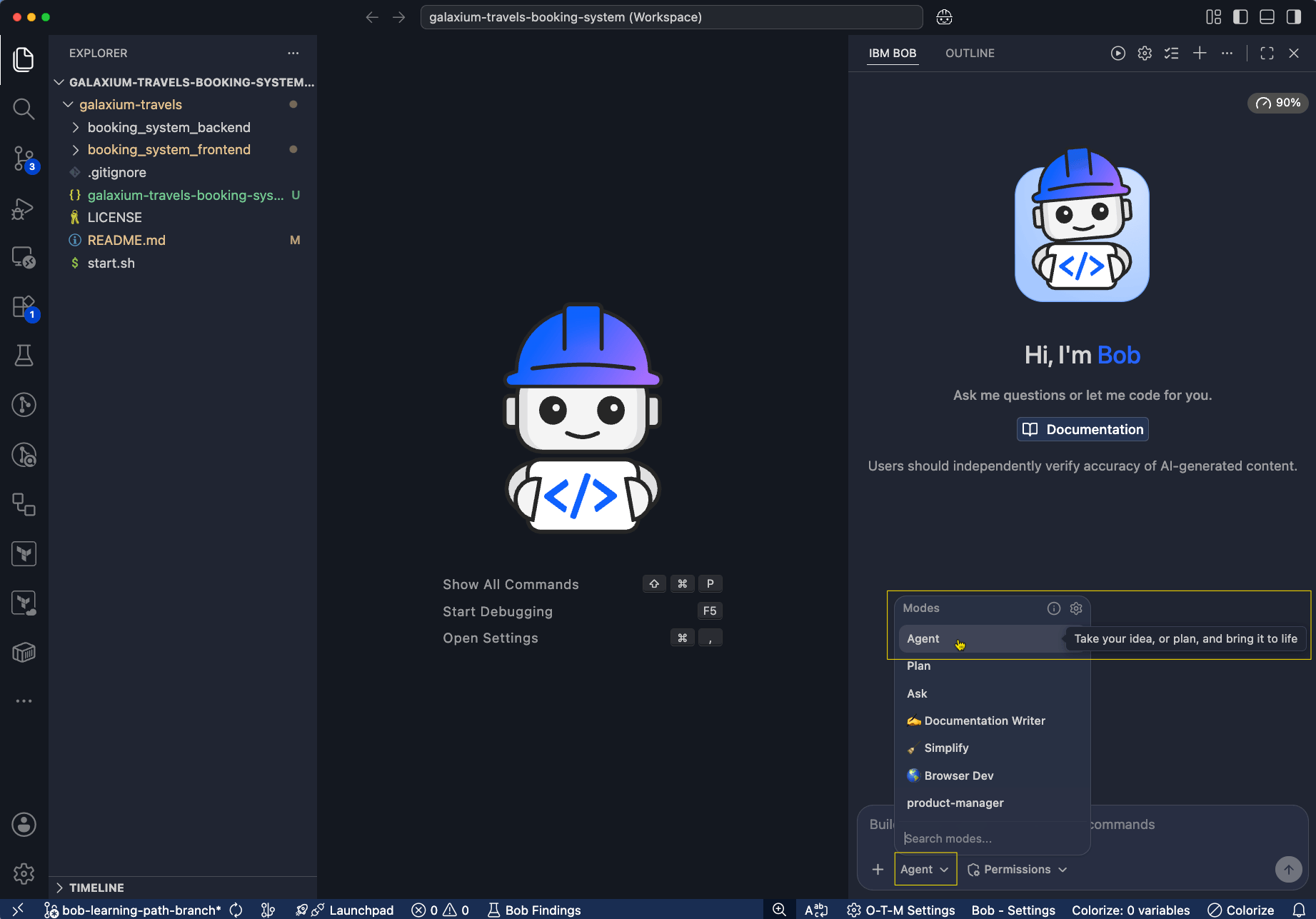
Enter the /init command in the chat interface. If you have auto-approval disabled, Bob asks your permission to read files and write the AGENTS.md files.
/init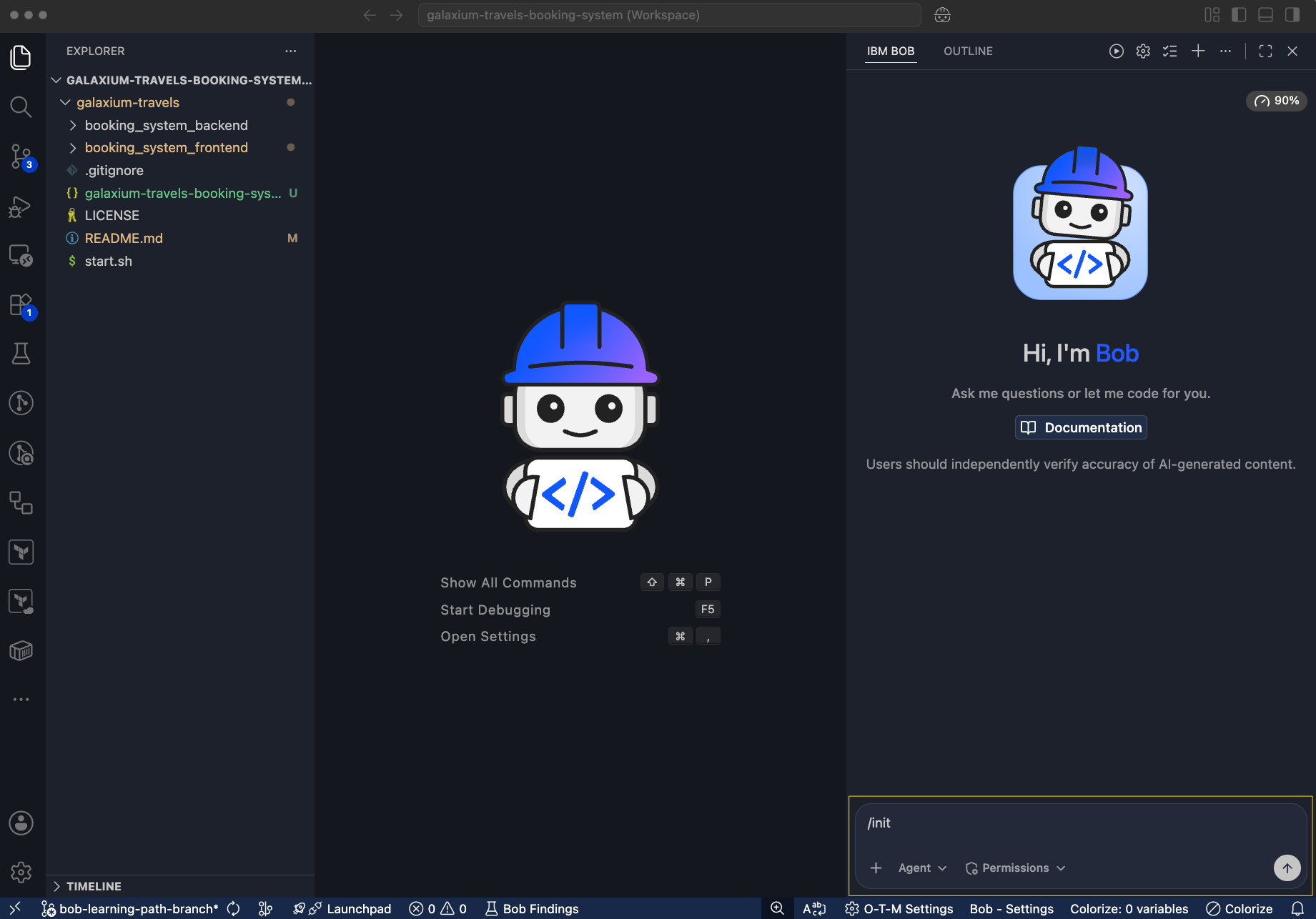
Bob reads the relevant files in the project. Bob then generates the main AGENTS.md file in the Galaxium Travels root directory. Bob also creates a .bob folder that contains an AGENTS.md for each mode.
Explore AGENTS.md files
The AGENTS.md files function like onboarding documentation for Bob. AGENTS.md is a concise, actionable summary that provides everything Bob needs to understand the project's structure and conventions.
You can locate the main AGENTS.md file at the bottom of the Bob file explorer on the left-hand side. Open the file to read its contents.
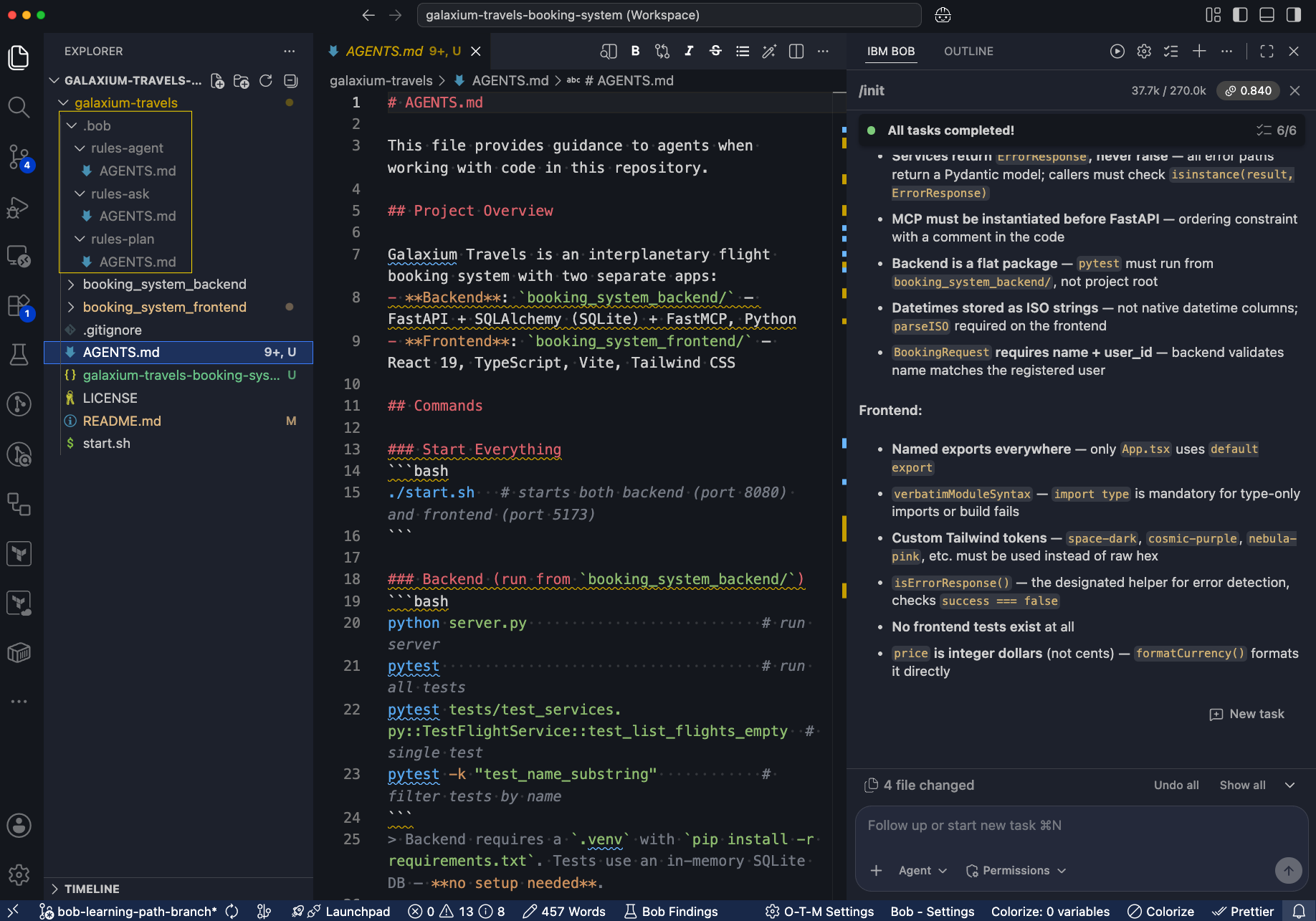
The AGENTS.md file typically contains the following components:
- Project overview and purpose
- Directory structure and key file locations
- Technology stack and dependencies
- Architectural patterns and conventions
- Development workflows
Bob automatically applies the AGENTS.md to new conversations and learns the project context.
Mode-specific AGENTS.md files
In addition to the main AGENTS.md in the Galaxium Travels root directory,
/init generates mode-specific context files in the .bob folder for each
built-in mode. Each mode-specific AGENTS.md extends the main AGENTS.md with
context relevant to that mode's purpose. The following table lists the
mode-specific AGENTS.md files:
| File | Mode |
|---|---|
.bob/rules-code/AGENTS-code.md | Agent mode |
.bob/rules-plan/AGENTS-plan.md | Plan mode |
.bob/rules-ask/AGENTS-ask.md | Ask mode |
The Plan mode context emphasizes architectural conventions, while the Code mode context highlights file structure and naming patterns.
Maintain the AGENTS.md files
Re-run /init after you make the following project adjustments:
- Adding new modules or services
- Changing the directory structure
- Adopting new technologies or frameworks
- Onboarding new team members who will use Bob
You can also manually edit the AGENTS.md to add context that Bob's automated scan might not capture, such as business rules, deployment conventions, or team-specific practices.
Next steps
In this tutorial, you learned the following:
- Large language models are stateless. Running
the
/initcommand solves this issue by generatingAGENTS.md, which is a persistent context file Bob reads at the start of every conversation. - The mode-specific
AGENTS.mdfiles provide targeted context for Agent, Plan, and Ask modes. - Re-run
/initafter major project changes to keep the context current.
Introduction
Get an overview of IBM Bob and what you learn across this tutorial series, using the Galaxium Travels demo app.
Write effective prompts for Bob
Write effective prompts for IBM Bob by adding a role, context, and examples, then refine a vague request into documented Python code with error handling.