API keys
Authenticate Bob for automation workflows without browser-based sign-in. Available for trial and paid plan users. Manage keys individually or as an admin across your instance.
Ownership and administration
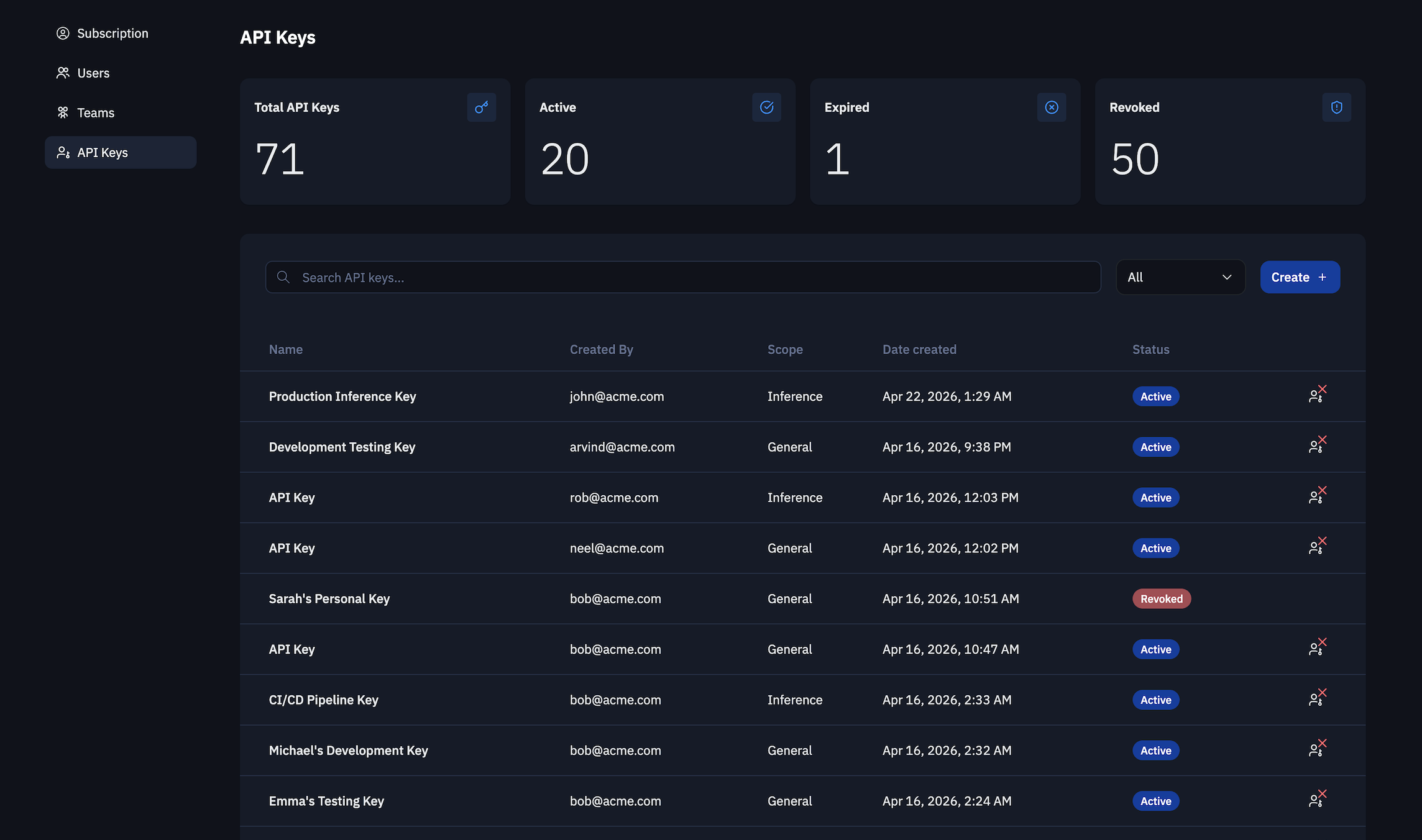
API keys are scoped to both the user and the subscription instance. Individual users can create, list, and revoke their own API keys. Subscription instance admins can list and revoke API keys for all users in their instance.
API key types
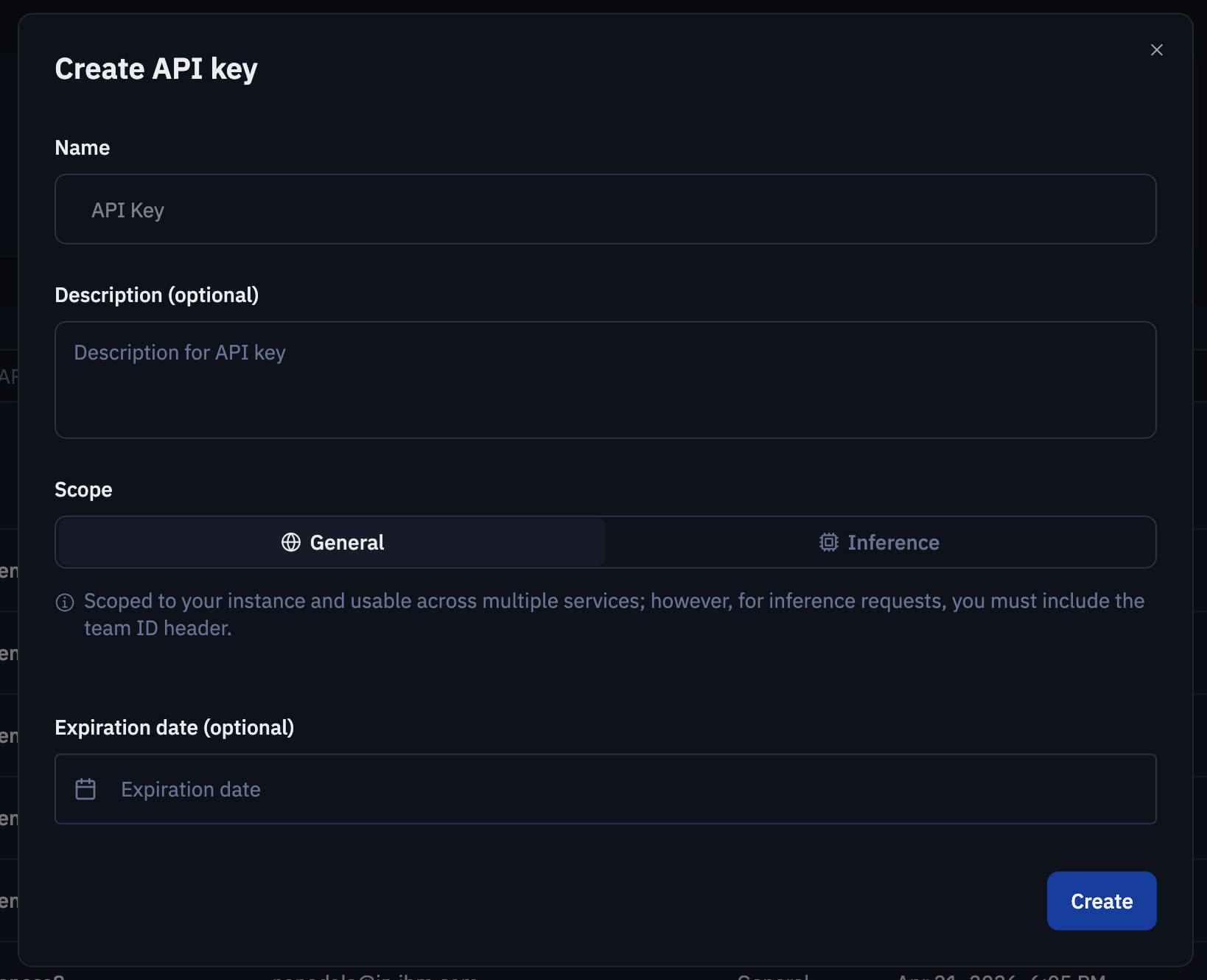
You can create two kinds of API keys:
| Type | Scope and usage |
|---|---|
| General | Scoped to your subscription instance and usable across multiple services. For inference requests, you must also include the team ID header. |
| Inference | Scoped to a specific subscription instance and team, and limited to inference requests only. No additional instance or team headers are required. |
When to use API keys
Use API keys when you need to:
- Authenticate Bob Shell in non-interactive sessions
- Run Bob in CI/CD pipelines or scheduled automation
- Avoid browser-based sign-in for scripted workflows
- Authenticate inference requests with either a general or inference API key
Create an API key
Go to bob.ibm.com and log in.
Open your subscription instance and navigate to the API key management section.
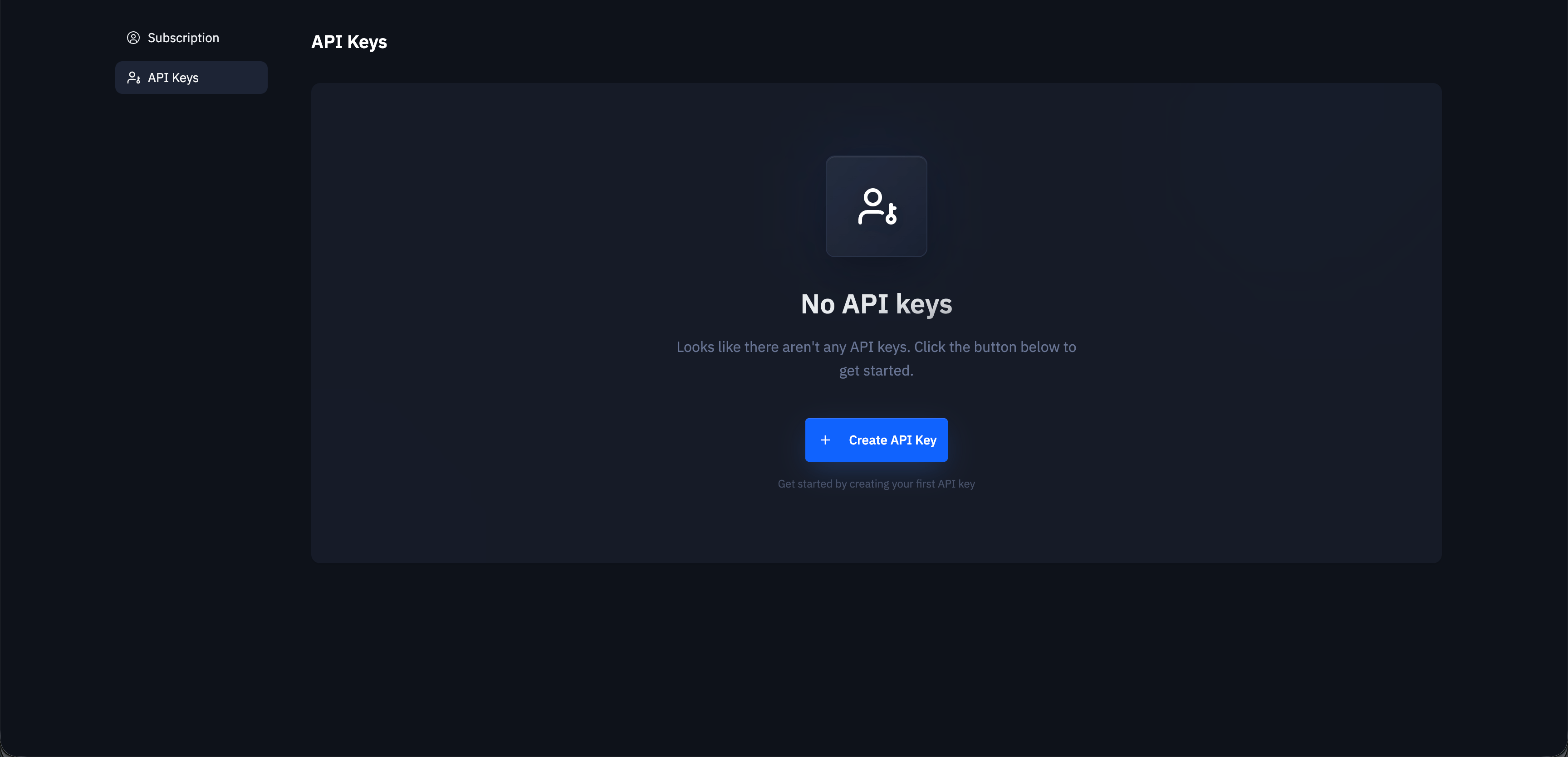
Create a new API key and choose the key type you want to create.
Copy the API key value and store it securely.
You will not be able to view the API key value again after creation.
Manage your API keys
You can use the API key management section to:
- List your API keys
- Search and filter keys
- View API key details
- Revoke active keys
- Show revoked keys alongside active and expired keys
Administrator capabilities
Subscription instance admins can manage API keys across their instance. Admin capabilities include:
- Listing API keys for all users in the instance
- Revoking API keys for any user in the instance
- Viewing active, revoked, and expired keys
Use an API key with Bob Shell
To use an API key with Bob Shell, see Install and set up Bob Shell and Starting a non-interactive session.