Welcome to Bob Shell
Bob Shell brings IBM Bob's AI capabilities to your command line.
Run agentic development sessions right in your terminal. Bob Shell provides AI-assistance for command-line tasks, script automation, and terminal-based workflows.
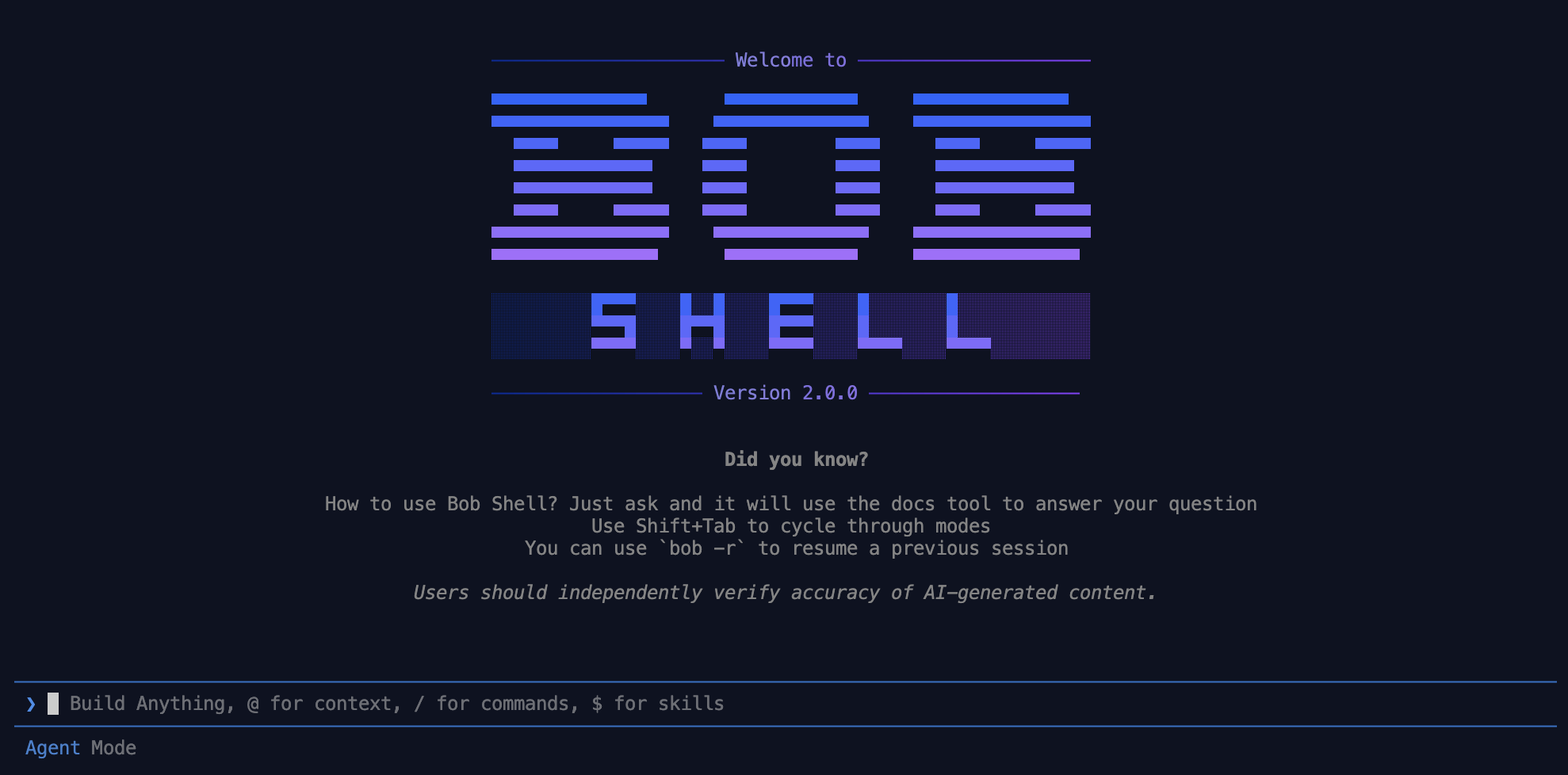
Bob Shell 2.0.0 requires a fresh install. Currently there is no automated upgrade path from 1.0.x. Your existing settings and configurations will be preserved during the install.
Bob Shell delivers the same context awareness and reasoning-focused approach from IBM Bob, but optimized for shell environments and automated processes.
What you can do with Bob Shell
Automate scripts
Bob for SDLC Automation — Embed Bob's agentic capabilities into Shell scripts, and invoke them anywhere in your SDLC.
Execute commands
Run terminal commands with AI-powered assistance and validation.
Generate documentation
Create comprehensive documentation for scripts and workflows.
Troubleshoot issues
Debug command failures and resolve terminal-based problems.
Analyze logs
Parse and analyze log files to identify issues and patterns.
Scaffold projects
Initialize new projects and generate boilerplate code from the terminal.
Start building with Bob Shell
Experience the power of AI-assisted development.
Key capabilities
Flexible ways to run Bob Shell
Bob Shell adapts to your workflow with flexible ways to work:
Interactive sessions
Engage in conversational sessions directly in your terminal
Non-interactive sessions
Run commands or tasks for automation and scripting
Automation support
Seamlessly integrate into automated processes and workflows
Editor terminal support
Run Bob Shell inside terminal views of supported editors
Interactive sessions provide a conversational experience for complex tasks, while non-interactive sessions enable automation and scripting scenarios where Bob Shell can be invoked programmatically.
Use interactive sessions for exploratory tasks and problem-solving. Switch to non-interactive sessions when you need to automate repetitive workflows or integrate Bob into scripts.
Specialized modes
Bob Shell includes purpose-built modes that optimize behavior for different command-line scenarios:
Agent mode
Take autonomous action: read, write, and execute to complete tasks end to end.
Ask mode
Get answers about your codebase and development questions without making changes.
Plan mode
Design and plan implementations before running them.
Bob Shell optimizes each mode for specific terminal-based development scenarios, so you can work efficiently without changing your communication approach.
Powerful command-line tools
Bob Shell provides comprehensive tools designed for terminal environments:
File operations
Read, write, and manipulate files directly from the command line.
Running commands
Run shell commands with intelligent error handling and validation.
Process management
Monitor and control running processes and system resources.
External tools with MCP
Extend capabilities through the MCP (Model Context Protocol) framework for custom integrations.
These tools work seamlessly together, so you can accomplish complex terminal-based tasks without switching contexts or applications.
MCP (Model Context Protocol) integration
Model Context Protocol (MCP) extends Bob Shell's capabilities with custom tools tailored for command-line workflows:
- Connect to databases and APIs from the terminal
- Access specialized development and operations tools
- Integrate with your organization's internal systems
- Create custom automation workflows for DevOps tasks
MCP integration in Bob Shell can be used for DevOps workflows. Connect to monitoring systems, deployment tools, and infrastructure APIs to create comprehensive automation solutions.
Automation capabilities
Use Bob Shell for automation tasks:
Script automation
Automate repetitive development tasks with intelligent shell scripts.
Batch processing
Process multiple files or projects in automated workflows.
Custom modes and slash commands
Extend Bob Shell's functionality with custom modes and slash commands:
- Define custom modes for specialized workflows
- Create reusable command shortcuts
- Build team-specific automation patterns
- Standardize development processes across your organization
Getting started with Bob Shell
To get started, follow these steps:
- Install Bob Shell on your system. For more information, see Installing and setting up Bob Shell.
- Launch your first interactive session. For more information, see Starting Bob Shell interactively.
- Review the security guidelines to minimize potential security risks. For more information, see Security guidelines.
Start by using Bob Shell for a task you're already familiar with. This helps you understand how Bob Shell interprets commands and provides assistance in a terminal context.
Next steps
Now that you understand what Bob Shell can do, explore these resources to deepen your knowledge:
Interactive sessions
Learn how to use Bob Shell in interactive sessions for complex tasks.
Non-interactive sessions
Discover how to use Bob Shell in scripts and automation workflows.
Configuration guide
Configure Bob Shell settings and customize your experience.
Slash commands
Master Bob Shell's slash commands for efficient terminal workflows.
Frequently asked questions
Find answers to common questions about Bob Shell.